
WhatsApp Business and  , without taking the phone from your team
Your reps keep replying from the WhatsApp Business app they already use. Every conversation lands in Odoo, tied to the right customer, visible to the whole team and no longer trapped on someone's personal phone. This is Meta's official coexistence mode: same number, same app, history in the CRM.
How it gets activated
- Create your account and pick a plan Sign up, verify your email and subscribe. Your plan activates immediately — no waiting for anyone to get back to you.
- Issue your licence From your panel, with one click. The key stays available to look up any time: paste it into the "RC Studio Licence" field in your Odoo.
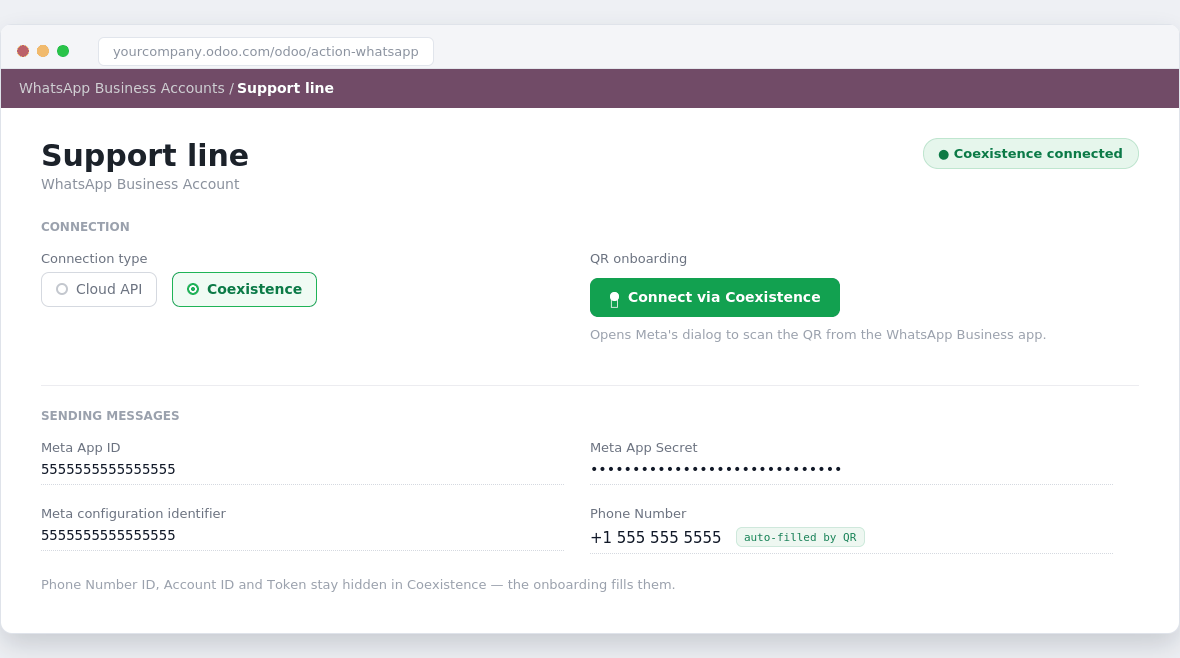
- Connect your number Press Connect in Odoo, scan the QR with the WhatsApp Business app, and you're done. The number keeps working on the phone.
Connection plans
A connection fee. Meta bills the messages to your own account: we add no per-message markup.
One
- Connection and maintenance with Meta
- No per-message markup
- Email and WhatsApp support
- Cancel any time
Team
- Connection and maintenance with Meta
- No per-message markup
- Email and WhatsApp support
- Cancel any time
Business
- Connection and maintenance with Meta
- No per-message markup
- Email and WhatsApp support
- Cancel any time
You also need the Odoo module, a one-time purchase on Odoo Apps.
The modules
The service runs on our modules, published on Odoo Apps. They are a one-time purchase, separate from the subscription, and without them there is nothing to connect: the module is what puts the conversations inside Odoo. Pick the one for your Odoo edition.
Coexistence for WhatsApp
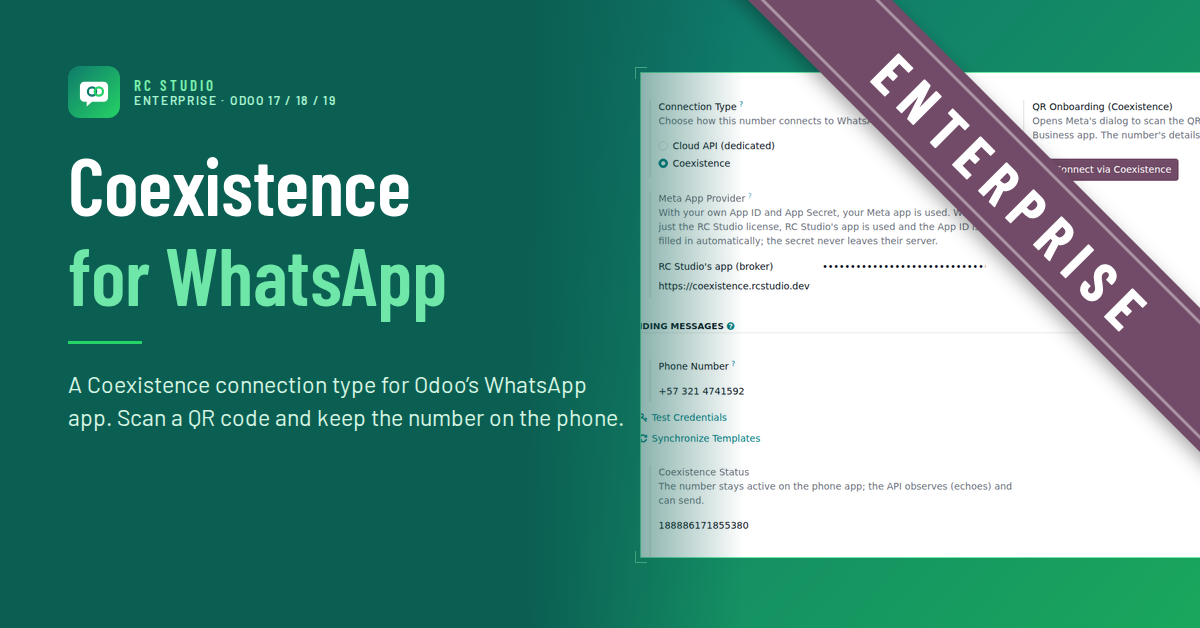
Adds the Coexistence connection to the WhatsApp module Enterprise already ships. Scan a QR and the number keeps working on the phone.
WhatsApp Coexistence API
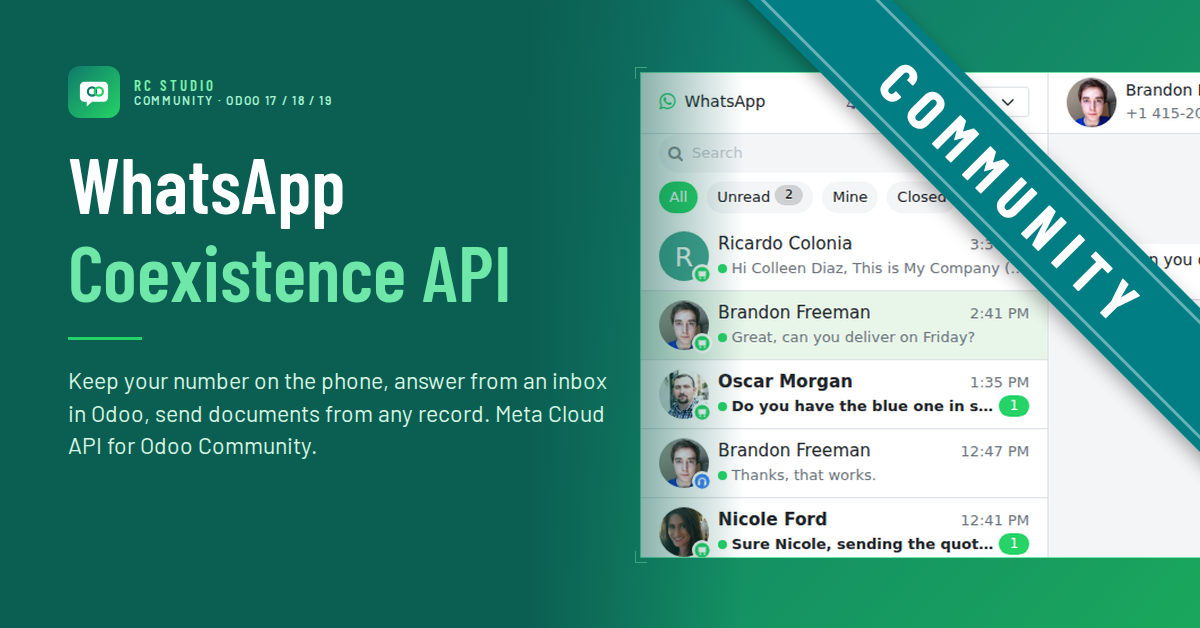
Brings the whole integration — its own inbox, templates, sending from any record — plus Coexistence. It needs nothing from Enterprise, though it also runs on it.
Which one do I need?
If you already pay for Odoo Enterprise, the add-on is enough. On Community you need the other one, which also saves you the Enterprise licence.
Don't have Odoo yet? Get it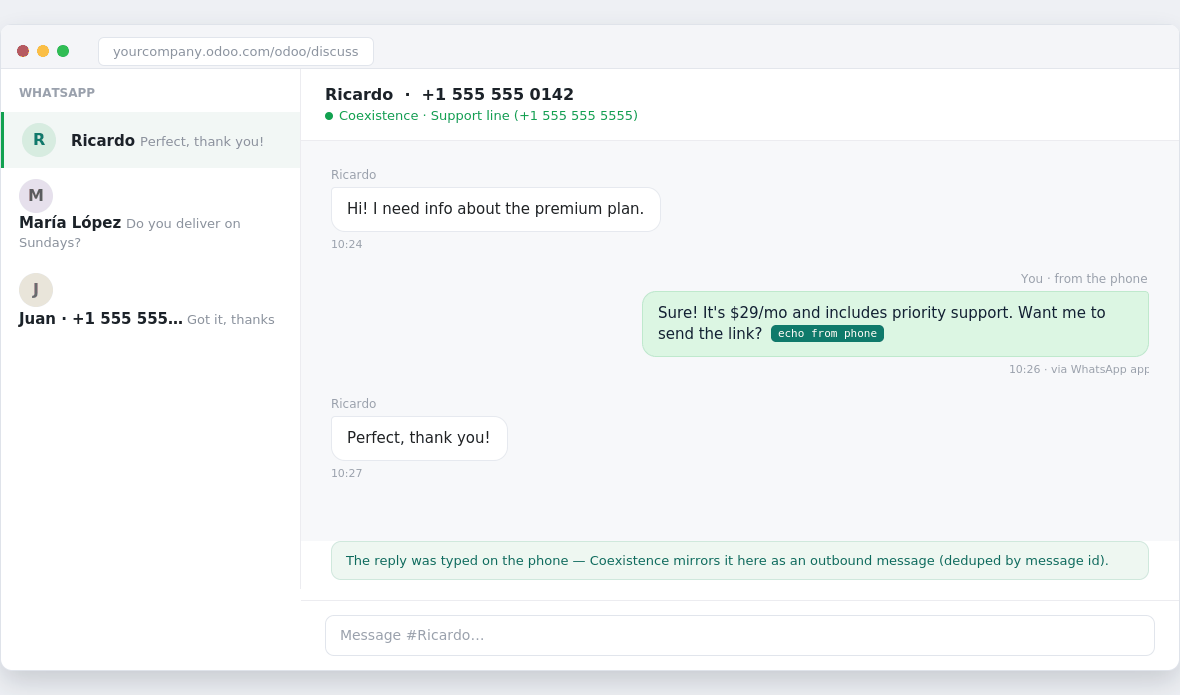
What the subscription includes
Your number connected
We link your WhatsApp Business number to your Odoo. You keep the number and the app; no chat migration, nothing to announce to your customers.
Conversations in the CRM
Incoming and outgoing messages stay in Odoo attached to the contact, so anyone on the team can pick up the conversation with full context.
Managed infrastructure
We operate the connection to Meta and its credentials. You never handle tokens, webhooks or API quotas.
Support
Email and WhatsApp support for service incidents, plus maintenance whenever Meta's platform changes.
How it gets activated
Sign up, verify your email and subscribe. Your plan activates immediately — no waiting for anyone to get back to you.
From your panel, with one click. The key stays available to look up any time: paste it into the "RC Studio Licence" field in your Odoo.
Press Connect in Odoo, scan the QR with the WhatsApp Business app, and you're done. The number keeps working on the phone.
Requirements
One of our modules
The Enterprise one or the Community one, depending on your edition. It is mandatory: without the module installed the service does not work.
17, 18, 19 or 20
Community or Enterprise, either works: there is a module for each. You need admin access to install it and your Odoo must be reachable from the internet, because that is where messages are delivered.
A number on WhatsApp Business
The WhatsApp Business app (not the personal one), with the number active on the phone during the connection.
A Facebook Business account
You will need it to authorize the connection with Meta. If you don't have one, we help you create it.
Frequently asked questions
- Do I lose my number or my current chats?
- No. You keep the same number and keep using the phone app; the history on your phone stays where it is.
- Does the subscription include the Odoo module?
- No. The module is bought once on Odoo Apps and is required to use the service. This subscription covers onboarding your numbers with Meta through our Tech Provider app, and support; messages travel directly between Meta and your Odoo.
- When does billing start?
- The first charge happens when you subscribe and repeats every month on the same date, from your PayPal account.
- How do I cancel?
- If you pay with PayPal or Mercado Pago, cancel the subscription from that same account whenever you want. If you pay by bank transfer, simply skip the following month's payment. Either way the service stays active until the end of the period already paid; periods in progress are not prorated.
- What if the service doesn't end up working?
- If we cannot get the connection running, we refund the first month in full. Write to us at rcstudio.dev@gmail.com.